Dec 1, 2023
Tutorial
Getting Started with Screen Studio
Learn how to create your first professional screen recording in under 5 minutes.
Read moreScreen Recorder producing high-impact videos automatically. Designed for macOS.
Trusted by leading companies worldwide


Screen Studio transforms your screen captures into professional-grade videos with intelligent automation and stunning effects.
Enhance viewer engagement with intelligent automatic zooming that highlights important content. Perfect for tutorials and demonstrations across all screen sizes.
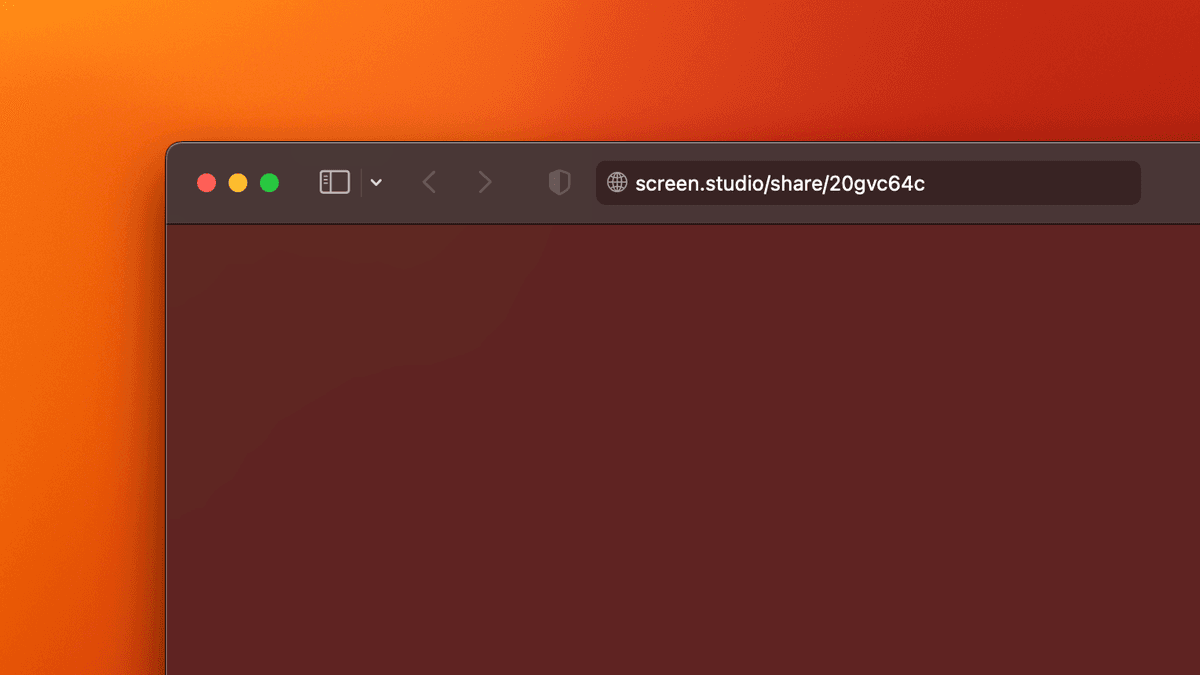
Instant professional animations with our intelligent automation. Skip hours of manual editing.
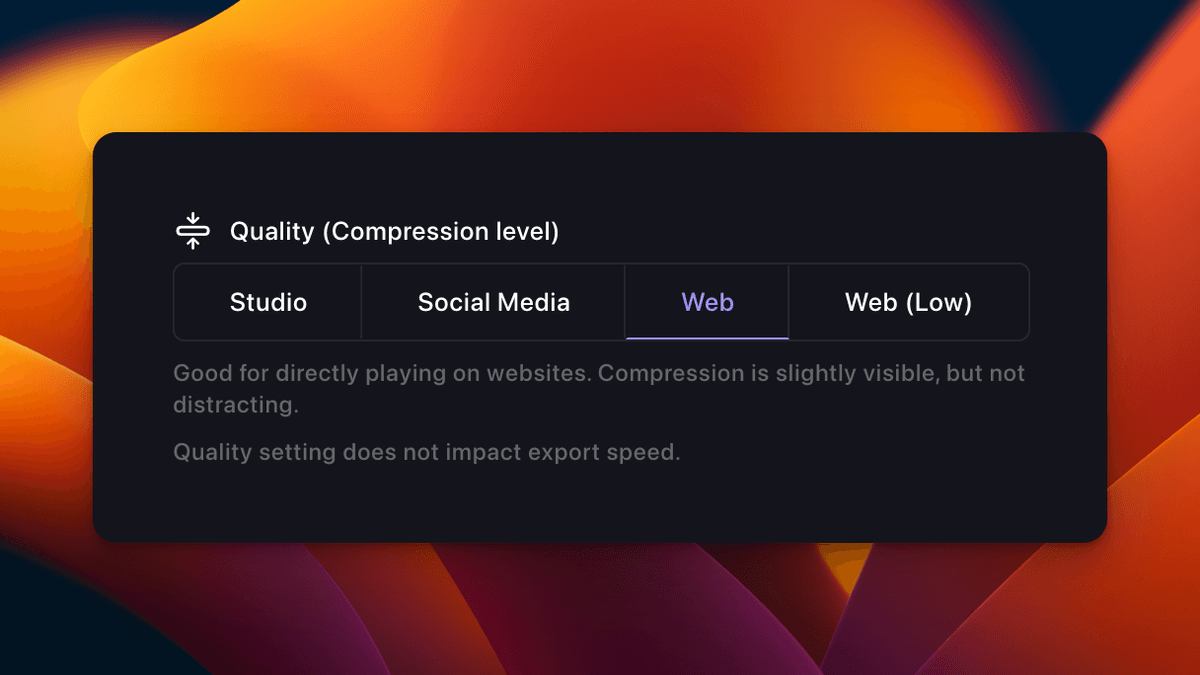
Optimized export settings for every platform, ready to share.
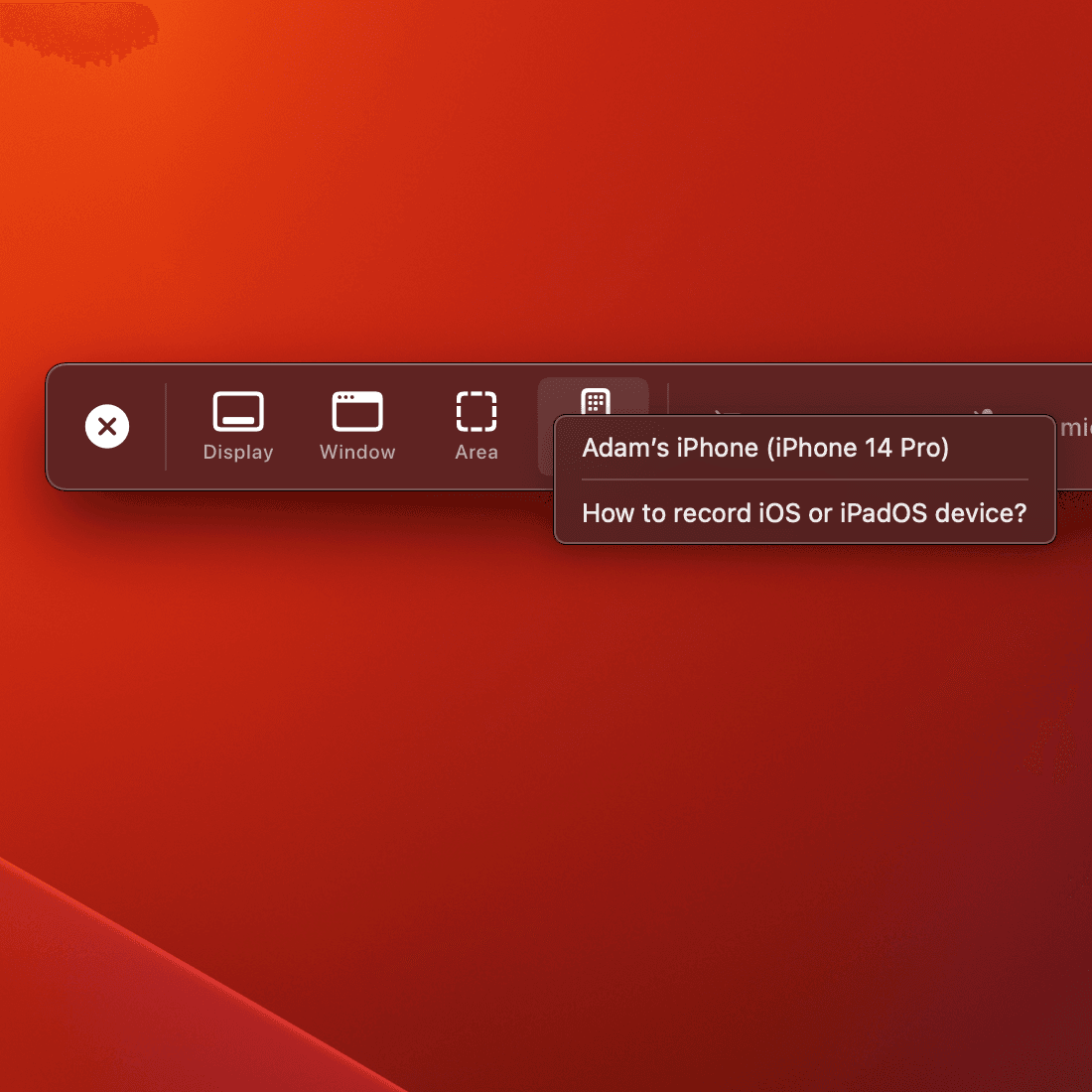
Seamlessly record iOS devices via USB connection.
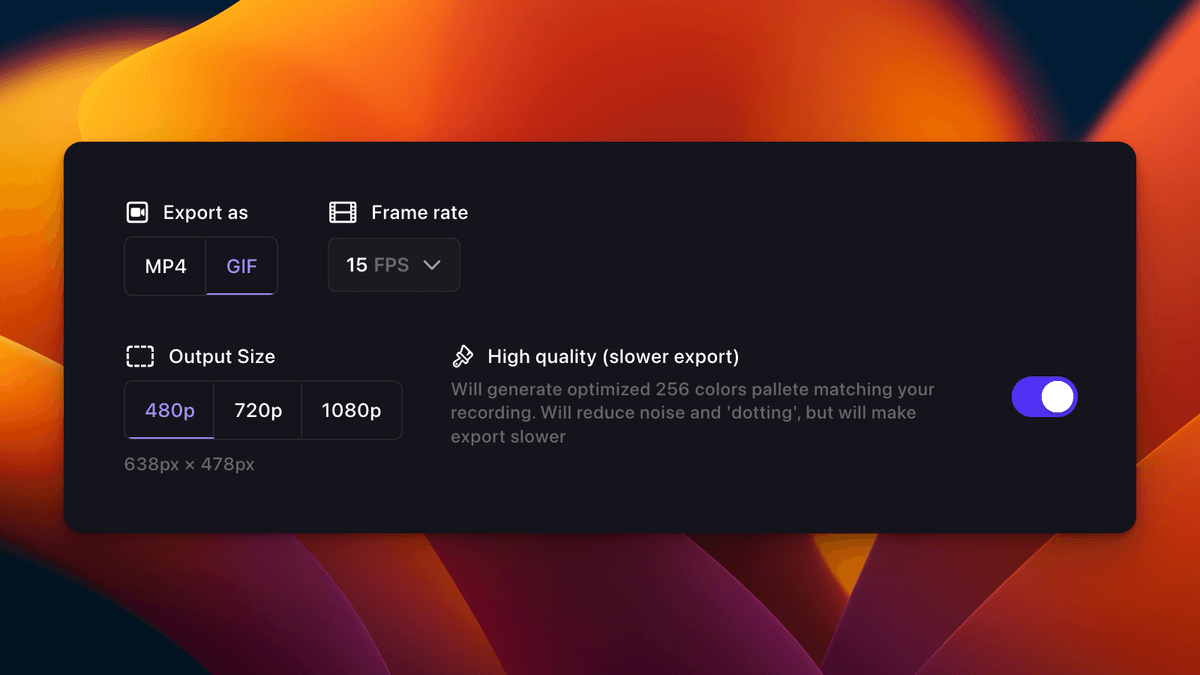
Level up your tutorials, product demos and collaboration with Screen Studio.
Perfect for getting started
Billed yearly
Most popular choice
Billed yearly
Pay once, use forever
One-time payment
| Features | Basic | Pro | Lifetime |
|---|---|---|---|
| Screen Recording | |||
| Basic Editing Tools | |||
| Advanced Editing Features | |||
| Cloud Storage | 2GB | 50GB | 100GB |
| Number of Devices | 1 | 3 | 3 |
| AI Features | Coming Soon | Coming Soon | |
| Team Collaboration | Coming Soon | Coming Soon |
Built and designed to be fast, reliable and easy to use.

Simple to use but powerful. Record your screen, webcam, and audio with just a few clicks.
Export your recordings in various formats with optimal settings for different platforms.
Share your recordings instantly via link or copy them directly to your clipboard.
Here's what our users have to say about Screen Studio.
Alex Rivera
@alex_codes
The smoothness of the recordings is unmatched. Great work!
Nina Patel
@nina_dev
Perfect for creating professional tutorials. Love the auto-focus feature!
Rachel Kim
@rachel_designs
Screen Studio has become an essential part of my workflow!
Marcus Johnson
@marcus_tech
The quality and ease of use are exceptional. Highly recommended!
Sophie Chen
@sophie_ux
The best screen recording tool I've ever used. Simply amazing!
James Wilson
@james_codes
Screen Studio has revolutionized how I create content!
Tips, tutorials, and updates from the Screen Studio team
Learn how to create your first professional screen recording in under 5 minutes.
Read more
Discover pro tips for creating more engaging screen recordings.
Read more
Explore the latest features and improvements in our biggest update yet.
Read moreStart creating beautiful screen recordings today
Version 2.0.1 • Released December 1, 2023
macOS Ventura 13.1 or newer required
Already purchased? Sign in to manage your license
Sign in to your accountIf you have any other questions - please get in touch